Dreamweaver Video Tutorials
×
![]()
Loading preview. Please wait...
- /
-
- DreamweaverVideoTutorials
- 01
- 01.swf
- 01_config.xml
- 01_controller.swf
- 01_nofp_bg.gif
- 01_preload.swf
- Click-Here-To-Watch-Video.html
- flashobject.js
- 02
- 02.swf
- 02_config.xml
- 02_controller.swf
- 02_nofp_bg.gif
- 02_preload.swf
- Click-Here-To-Watch-Video.html
- flashobject.js
- 03
- 03.swf
- 03_config.xml
- 03_controller.swf
- 03_nofp_bg.gif
- 03_preload.swf
- Click-Here-To-Watch-Video.html
- flashobject.js
- 04
- 04.swf
- 04_config.xml
- 04_controller.swf
- 04_nofp_bg.gif
- 04_preload.swf
- Click-Here-To-Watch-Video.html
- flashobject.js
- 05
- 05.swf
- 05_config.xml
- 05_controller.swf
- 05_nofp_bg.gif
- 05_preload.swf
- Click-Here-To-Watch-Video.html
- flashobject.js
- 06
- 06.swf
- 06_config.xml
- 06_controller.swf
- 06_nofp_bg.gif
- 06_preload.swf
- Click-Here-To-Watch-Video.html
- flashobject.js
- 07
- 07.swf
- 07_config.xml
- 07_controller.swf
- 07_nofp_bg.gif
- 07_preload.swf
- Click-Here-To-Watch-Video.html
- flashobject.js
- 08
- 08.swf
- 08_config.xml
- 08_controller.swf
- 08_nofp_bg.gif
- 08_preload.swf
- Click-Here-To-Watch-Video.html
- flashobject.js
- 09
- 09.swf
- 09_config.xml
- 09_controller.swf
- 09_nofp_bg.gif
- 09_preload.swf
- Click-Here-To-Watch-Video.html
- flashobject.js
- Read me.pdf
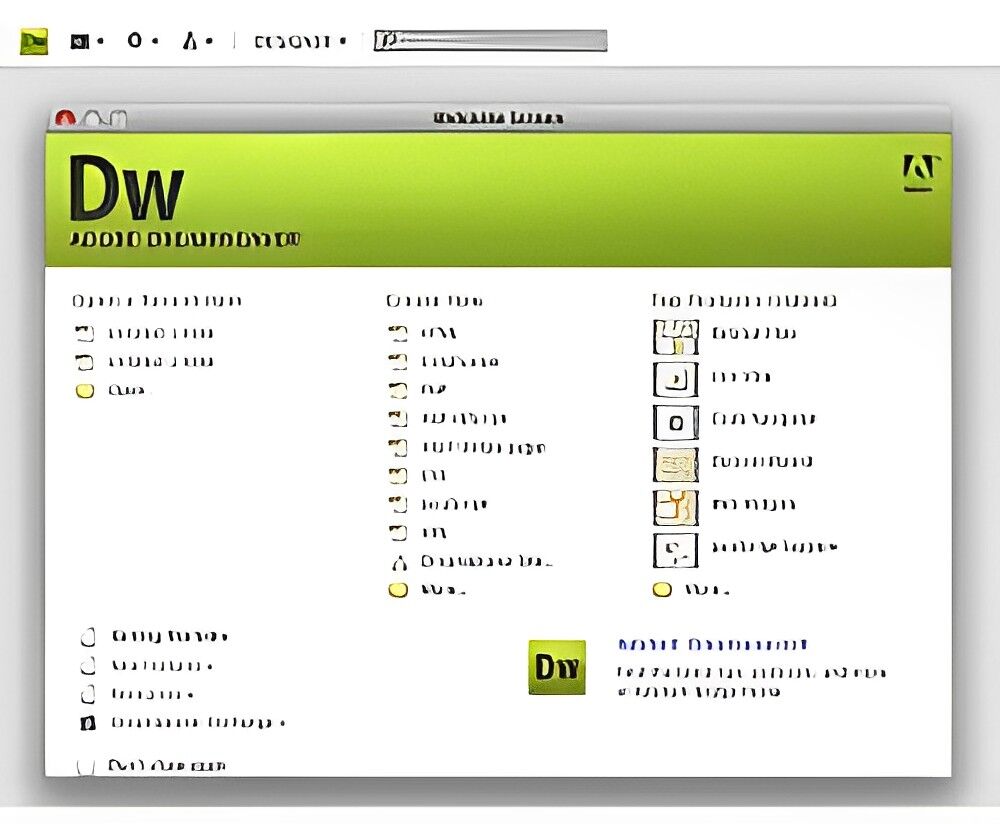
Advanced Dreamweaver Video Tutorials - Elevate your web design skills using Dreamweaver! Learn essential tips and tricks for working with the latest award-winning design program. The following are High Definition Video Tutorials:
- 01. Organizing Your Folders To Make Way For Your Files: It might seem simple, but it's crucial to organize your folders correctly from the start to avoid future chaos, especially in bigger projects. Proper folder setup is a lifesaver!
- 02. Starting The Base Of Your Sales Page: Learn how to set up the main background and layout of your mini-site. Get accustomed to Dreamweaver's features, which will aid you in this process!
- 03. Understand Text Formatting and Adding Your Copy: Dive into entering your copy and explore the various easy and effective ways to format and stylize it!
- 04. Working With Tables - Advanced Formatting: Master the art of using tables effectively and discover advanced methods to perfect your sales pages!
- 05. Working With Image Placement and Formatting: Learn the crucial skill of formatting your images with your text to create a seamless flow!
- 06. Creating Links and Shadow Effects: Understand how to create URLs and apply fancy drop shadow effects for testimonial boxes.
- 07. Advanced Image Placement and Formatting: Gain knowledge on advanced techniques for image formatting that ensure your content flows nicely.
- 08. Advanced Image Placement and Formatting - Continued: Continue learning advanced methods of formatting and image placement.
- 09. Working With Image Placement and Formatting: Master the skill of image formatting to achieve perfect harmony with your text.
Terms
- [YES] Can be used for personal use
- [NO] Can be sold
- [NO] Can be packaged with other products
- [NO] Can modify/change the sales letter
- [NO] Can modify/change the main product
- [NO] Can modify/change the graphics and ecover
- [NO] Can be added into paid membership websites
- [NO] Can put your name on the sales letter
- [NO] Can be offered as a bonus
- [NO] Can be used to build a list
- [NO] Can print/publish offline
- [NO] Can be given away for free
- [NO] Can be added to free membership websites
- [NO] Can convey and sell Personal Use Rights
- [NO] Can convey and sell Resale Rights
- [NO] Can convey and sell Master Resale Rights
- [NO] Can convey and sell Private Label Rights
- [NO] Can be translated to other languages
- [NO] Can be added to shops/memberhips containing more than 500 products
Turn this PDF into an app
Download the product, then upload its PDF to the PDF to App converter. Free members get 1 conversion; paid plans include it.
Not sure what this license lets you do? Compare license types