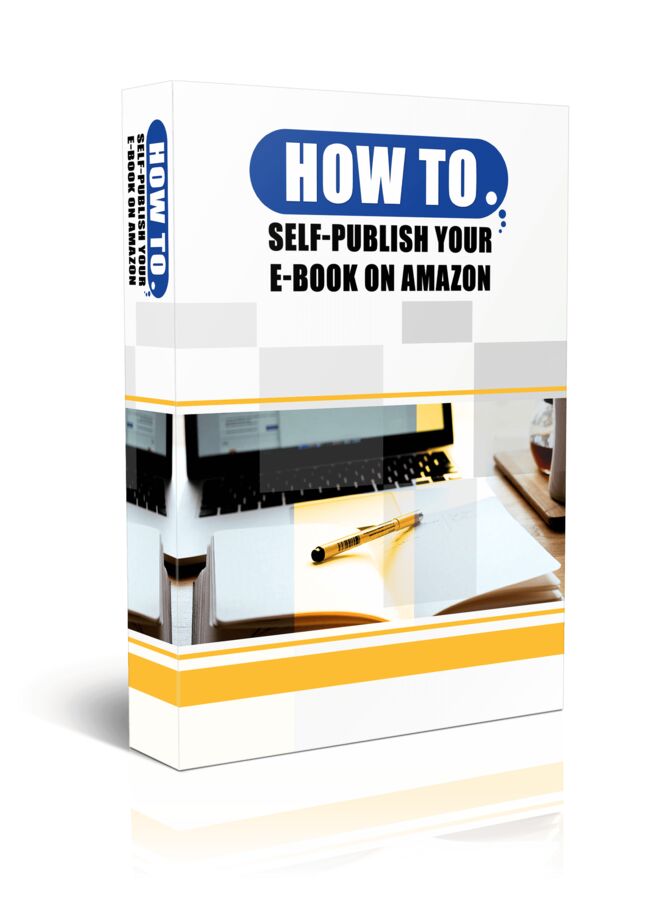
How To Self Publish Your E-Book on Amazon
- /
-
- HowToSelfPublishYourEBookonAmazon
- Module #1 - The Report
- How to Self-Publish Your E-Book 5K report.docx
- Module #2 - E-Cover Graphics
- PNG
- book.png
- box.png
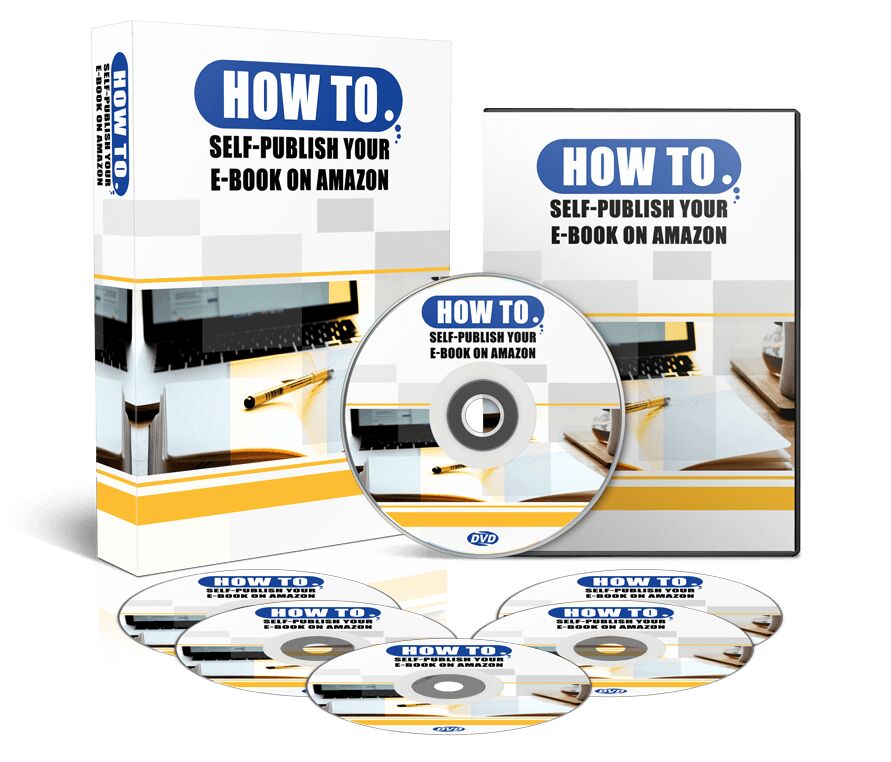
- cd.png
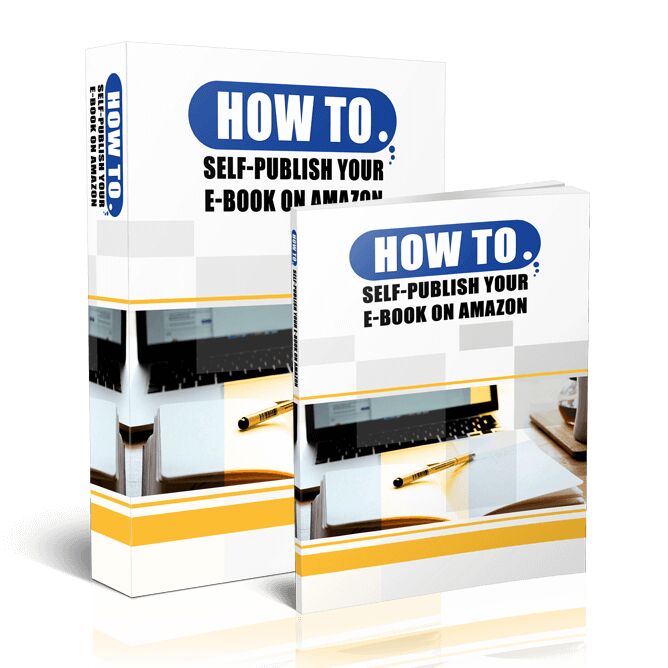
- combo.png
- combo2.png
- cover.jpg
- dvd.png
- report.png
- PSD
- book.psd
- box.psd
- cd.psd
- combo.psd
- combo2.psd
- cover.psd
- dvd.psd
- report.psd
- Module #3 - Sales & Delivery Pages
- Deliver Page
- css
- bootstrap.min.css
- style.css
- images
- bg_img1.jpg
- cover.jpg
- download_btn.png
- download_cont.png
- js
- bootstrap.min.js
- ie-emulation-modes-warning.js
- ie10-viewport-bug-workaround.js
- jquery-1.11.0.min.js
- popper.min.js
- index.html
- Sales Page
- css
- bootstrap.min.css
- scrolling-nav.css
- style.css
- images
- bg_img1.jpg
- ck_col1a.png
- ck_col1a2.png
- combo2.png
- logo.png
- pay_button.jpg
- js
- bootstrap.min.js
- ie-emulation-modes-warning.js
- ie10-viewport-bug-workaround.js
- jquery-1.11.0.min.js
- jquery.easing.min.js
- popper.min.js
- scrolling-nav.js
- index.html
- Module #4 - Lead Capture & Thank You Pages
- LeadCapture _Page
- css
- bootstrap.min.css
- style.css
- images
- bg_img1.jpg
- cover.jpg
- js
- bootstrap.min.js
- ie-emulation-modes-warning.js
- ie10-viewport-bug-workaround.js
- jquery-1.11.0.min.js
- popper.min.js
- index.html
- Thank_you_Page
- css
- bootstrap.min.css
- style.css
- images
- bg_img1.jpg
- cover.jpg
- download_btn.png
- download_cont.png
- js
- bootstrap.min.js
- ie-emulation-modes-warning.js
- ie10-viewport-bug-workaround.js
- jquery-1.11.0.min.js
- popper.min.js
- index.html
- Module #5 - 4-Day Content To Presell Emails
- 4-Email Sequence.docx
- Module #6 - Affiliate Center
- css
- bootstrap.min.css
- style.css
- images
- 120x60.jpg
- 120x600.jpg
- 125x125.jpg
- 160x600.jpg
- 250x250.jpg
- 300x250.jpg
- 336x280.jpg
- 468x60.jpg
- 650x90.jpg
- Thumbs.db
- combo.png
- logo.png
- js
- bootstrap.min.js
- ie-emulation-modes-warning.js
- ie10-viewport-bug-workaround.js
- jquery-3.2.1.slim.min.js
- popper.min.js
- Affiliate_page.zip
- index.html
- Module #7 - Affiliate Promotional Emails
- 3-Promotional-Emails.txt
- Module #8 - Promotional Banner Graphics
- JPG
- 120x60.jpg
- 120x600.jpg
- 125x125.jpg
- 160x600.jpg
- 250x250.jpg
- 300x250.jpg
- 336x280.jpg
- 468x60.jpg
- 650x90.jpg
- PSD
- 120x60.psd
- 120x600.psd
- 125x125.psd
- 160x600.psd
- 250x250.psd
- 300x250.psd
- 336x280.psd
- 468x60.psd
- 650x90.psd
- Module 10 - Motivational Mp3 Voiceover Files
- Boost Discoverability Optimizing Your E-Book on Amazon.mp3
- Data-Driven Marketing Utilizing Amazon's Insights for Success.mp3
- Module 9 - Motivational Video Shorts
- Boost Discoverability Optimizing Your E-Book on Amazon.mp4
- Data-Driven Marketing Utilizing Amazon's Insights for Success.mp4
How To Self Publish Your E-Book on Amazon is a comprehensive guide designed to help budding authors navigate the world of self-publishing on one of the largest digital markets today.
Armed with insights from best-selling authors, this product walks you through the crucial process of crafting the perfect book description, a vital component in your sales strategy. With clear instructions and industry tips, you'll learn how to effectively utilize Amazon's features to optimize your book's visibility and appeal.
The guide offers valuable information on:
- Maximizing the impact of your book description using HTML tags
- Leveraging Amazon's Author Central for better control over your book's details page
- Understanding publishing rights and copyrights
- Effectively listing contributors and pen names
The inclusion of practical examples and pro tips ensures you can confidently create compelling descriptions that captivate readers and drive sales.
Whether you are new to self-publishing or looking to enhance your existing strategy, this guide equips you with the tools you need to succeed on Amazon.
Terms
- [YES] Can be sold
- [YES] Can be used for personal use
- [YES] Can be packaged with other products
- [YES] Can modify/change the sales letter
- [YES] Can be added into paid membership websites
- [YES] Can put your name on the sales letter
- [YES] Can be offered as a bonus
- [YES] Can be used to build a list
- [YES] Can print/publish offline
- [YES] Can convey and sell Personal Use Rights
- [YES] Can convey and sell Resale Rights
- [YES] Can be translated to other languages
- [NO] Can modify/change the main product
- [NO] Can modify/change the graphics and ecover
- [NO] Can be given away for free
- [NO] Can be added to free membership websites
- [NO] Can convey and sell Master Resale Rights
- [NO] Can convey and sell Private Label Rights
- [NO] Can be added to shops/memberhips containing more than 500 products
Turn this PDF into an app
Download the product, then upload its PDF to the PDF to App converter. Free members get 1 conversion; paid plans include it.
Not sure what this license lets you do? Compare license types